Practical guide
How to compress a PDF without losing quality
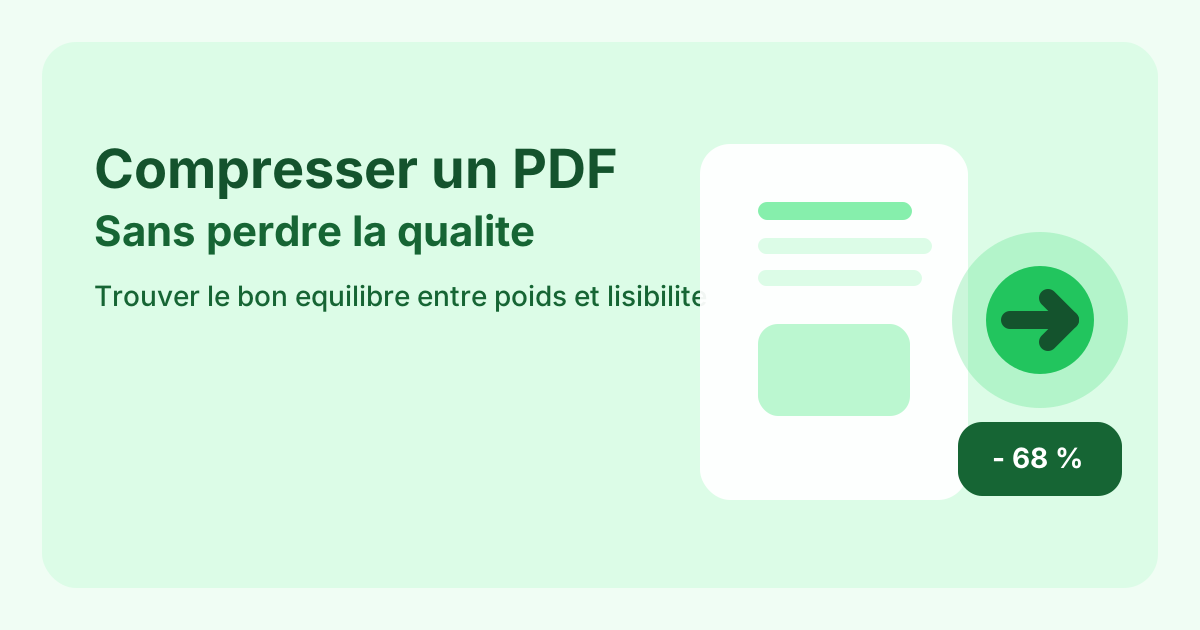
Compressing a PDF without losing quality means removing unnecessary weight while keeping text, signatures and page layout readable.
Compressing a PDF without losing quality means removing unnecessary weight while keeping text, signatures and page layout readable.
Heavy PDFs usually come from full-page scans, oversized images, embedded visual assets and files that were merged without any cleanup step first. Plain text rarely causes the main problem on its own. In most cases, the real weight comes from visual material and duplicated content.
Before choosing a compression level, decide what the file is for. An email attachment, an administrative upload and a long-term archive do not need the same level of reduction. If the file will be reviewed, printed or validated, readability should stay ahead of aggressive size reduction.
The best candidates are photo-based pages, large scans, decorative visuals and pages that should not have stayed in the file in the first place. In practice, removing useless pages and then applying moderate compression often works better than forcing maximum compression on the whole document.
Small text, signatures, stamps, QR codes, tables, technical diagrams and supporting scans tend to break first when compression becomes too strong. Those elements are often the ones that matter most during review. Once they become fuzzy, the smaller file is no longer a better file.
Always compare the before and after versions on a few critical pages, not just the cover. Check text sharpness at normal zoom, inspect images that carry information and confirm the actual final file size. Compression is only successful when the document still does its job after export.
If the PDF is still too heavy after reasonable compression, the issue may not be compression alone. It can be smarter to remove unneeded pages, split a very large packet or merge already cleaned files into one final document. The best result often comes from a better sequence, not from harsher compression.
Text sharpness, image readability where it matters, page completeness and the actual final file size.
Because an over-compressed document quickly becomes harder to read, print or validate later.
Usually after you have sorted or merged the final version. That way you compress the real output instead of redoing the work twice.
Reduce the size of a PDF for email, forms or online sharing.