How to convert a PDF to Word without losing the layout
The real challenge is not the conversion itself, but keeping a clean Word document after export.
Open the main guideThe site serves real pages for each language, keeps PDF processing in the browser and connects every tool to useful guides.
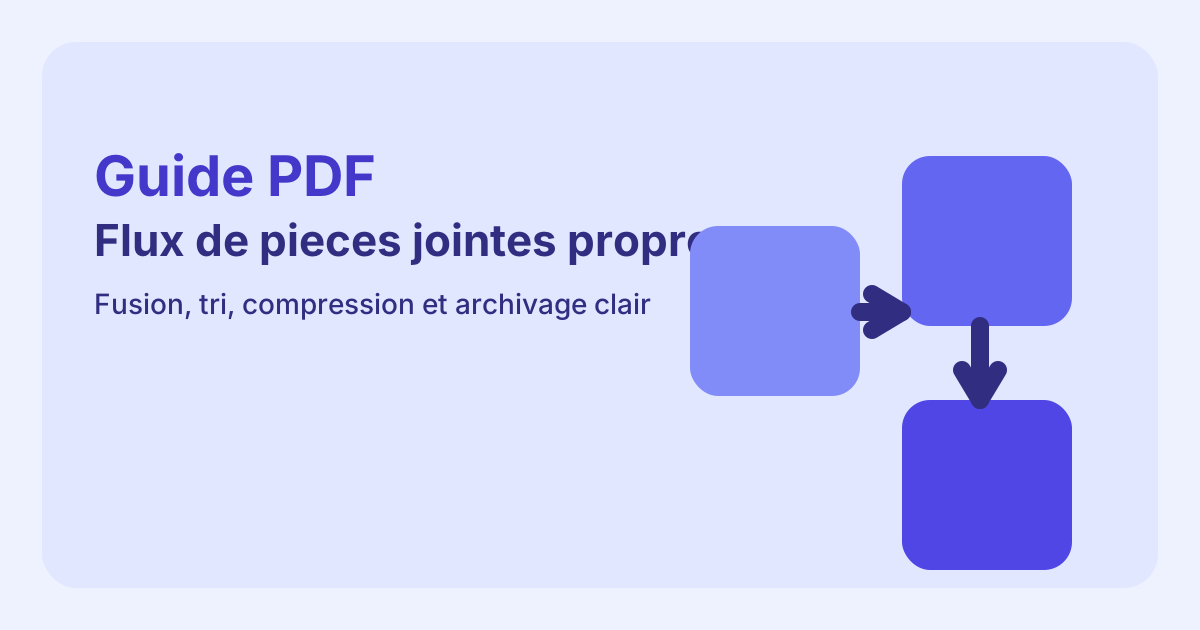
Combine multiple PDF files into one document without sending them to a third-party service.
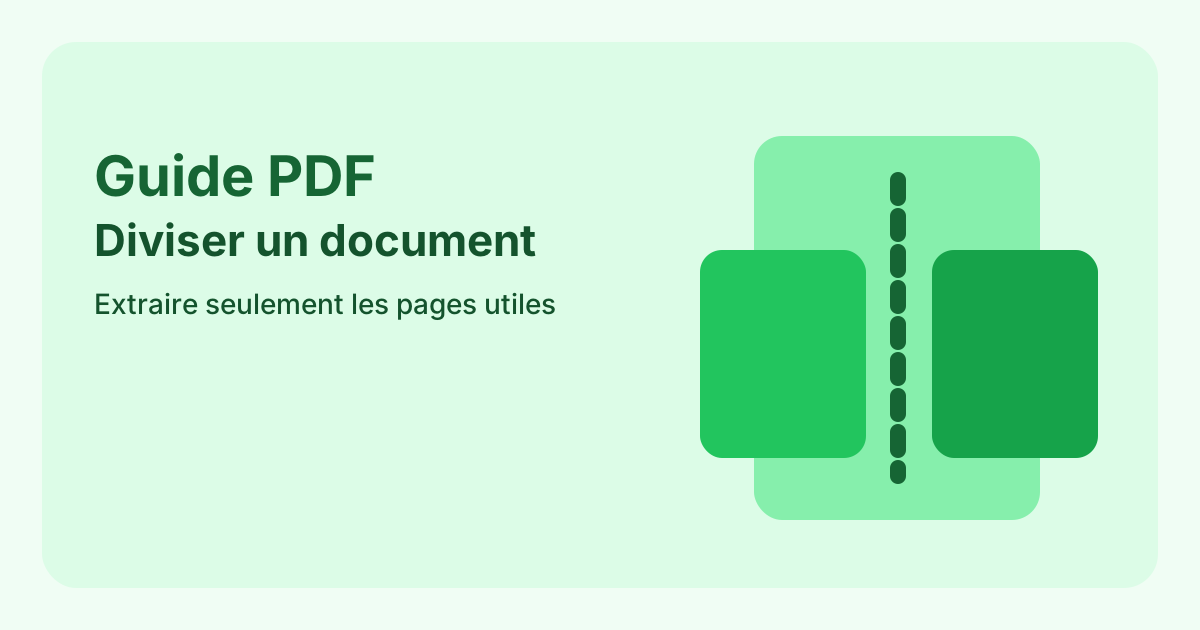
Extract selected pages or create one file per page from an existing document.
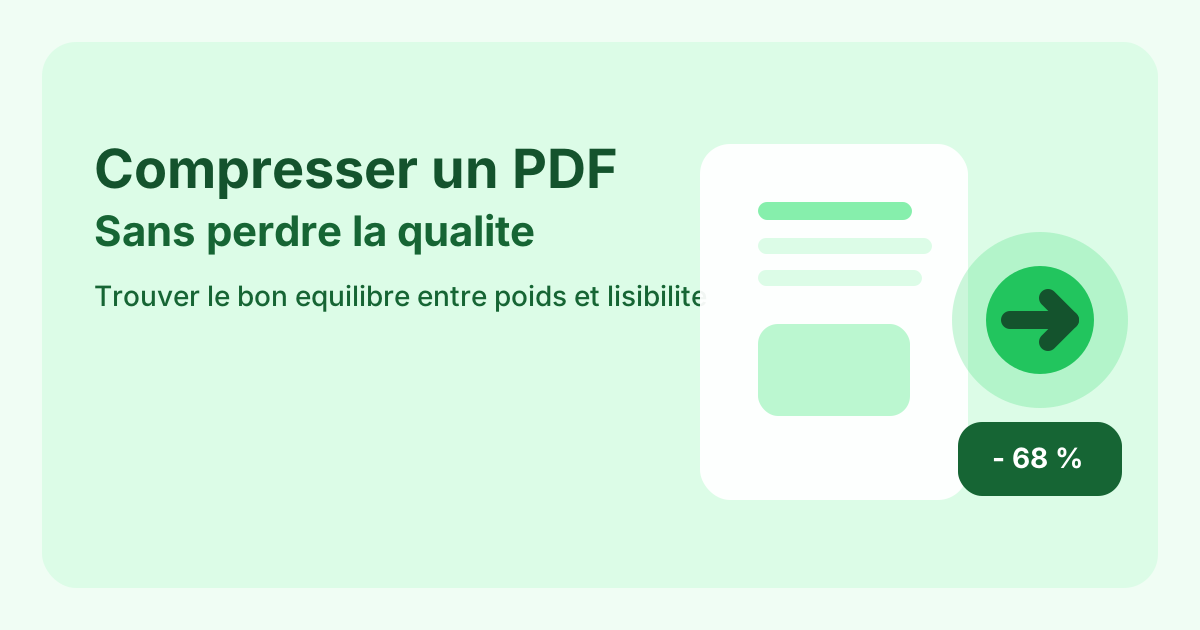
Reduce the size of a PDF for email, forms or online sharing.
Turn one or more images into a single PDF that is easier to share.
Export PDF pages as images that are easier to embed in websites, emails or presentations.
Fix page orientation before sharing or archiving a PDF.
The real challenge is not the conversion itself, but keeping a clean Word document after export.
A successful merge depends less on the final click than on the file order just before export.
The goal is not the smallest file at any cost, but the best balance between file size, clarity and final use.
The real challenge is not the conversion itself, but keeping a clean Word document after export.
Open the main guideYes. Each supported language now has its own URLs and hreflang signals.
No for the main tools. Supported processing stays inside the browser.