Practical guide
Organize PDF attachments in a cleaner workflow
A clean PDF workflow depends on attachments that are easier to name, review, send and retrieve later.
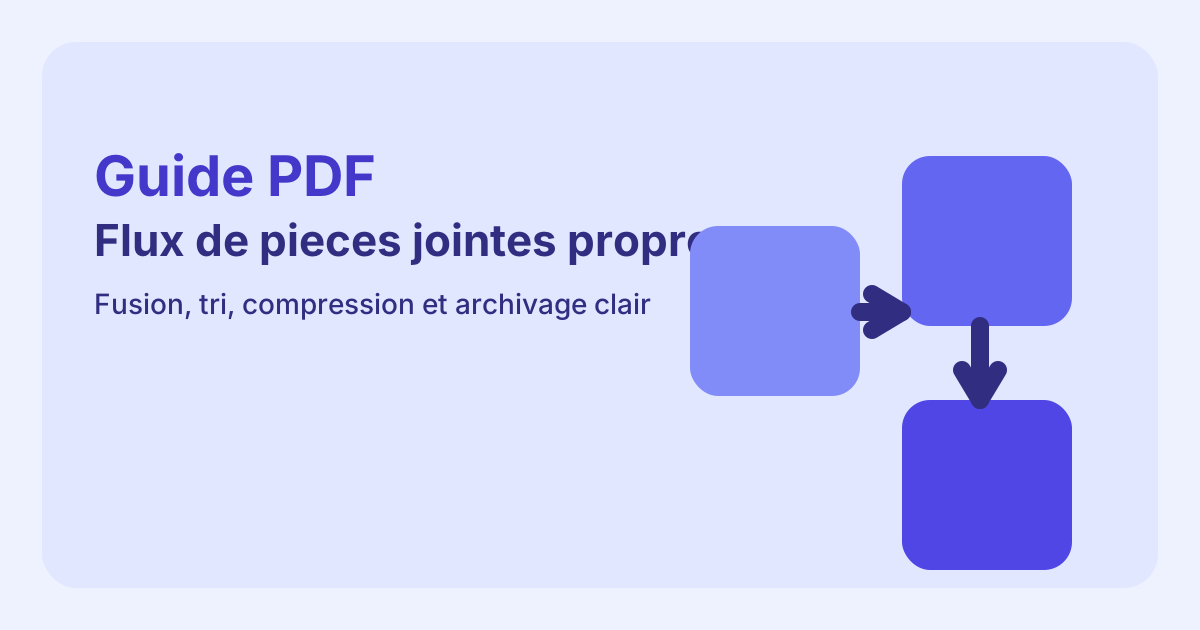
A clean PDF workflow depends on attachments that are easier to name, review, send and retrieve later.
The first practical gain often comes from better filenames. A stable pattern with date, topic and version reduces routine mistakes when attaching or retrieving a PDF later. If naming stays vague, the whole workflow becomes brittle even when the files themselves are technically fine.
Before sharing an attachment, review four practical points that should stay consistent: page order, orientation, readable quality and reasonable file size. None of those checks is complex, but together they make the file feel reliable and ready to use.
Sometimes one final PDF is easier for the recipient. In other situations, separate attachments work better because they isolate appendices, proofs or optional material. The right choice depends on reading context, not on one universal rule.
A file that has been sent should exist as a clear final version, separate from drafts and working copies. That avoids rebuilding the same packet every time the workflow repeats. The benefit becomes obvious in recurring administrative or team-based exchanges.
A clean workflow makes it possible to keep both the full source set and the exact version that was actually sent. That separation helps when someone asks what was shared, when it was sent and which layout or size constraints were used at the time.
Duplicate pages, vague filenames, rotated scans and oversized attachments rarely look dramatic on their own. Together, they create most of the friction in recurring PDF exchanges. A cleaner workflow is mainly about removing that constant low-level confusion.
Because clean output rarely comes from one click. It depends on naming, sorting, ordering, optional compression and a final version that stays easy to track.
In many cases, the best balance is a readable PDF that stays reasonably light and clearly named.
Yes. Keeping both the source material and the actual outgoing version makes later review and reuse much easier.
Combine multiple PDF files into one document without sending them to a third-party service.