Practical guide
When to split a PDF into several files
Splitting a PDF is useful when a full document slows down sharing, review or validation of the pages that really matter.
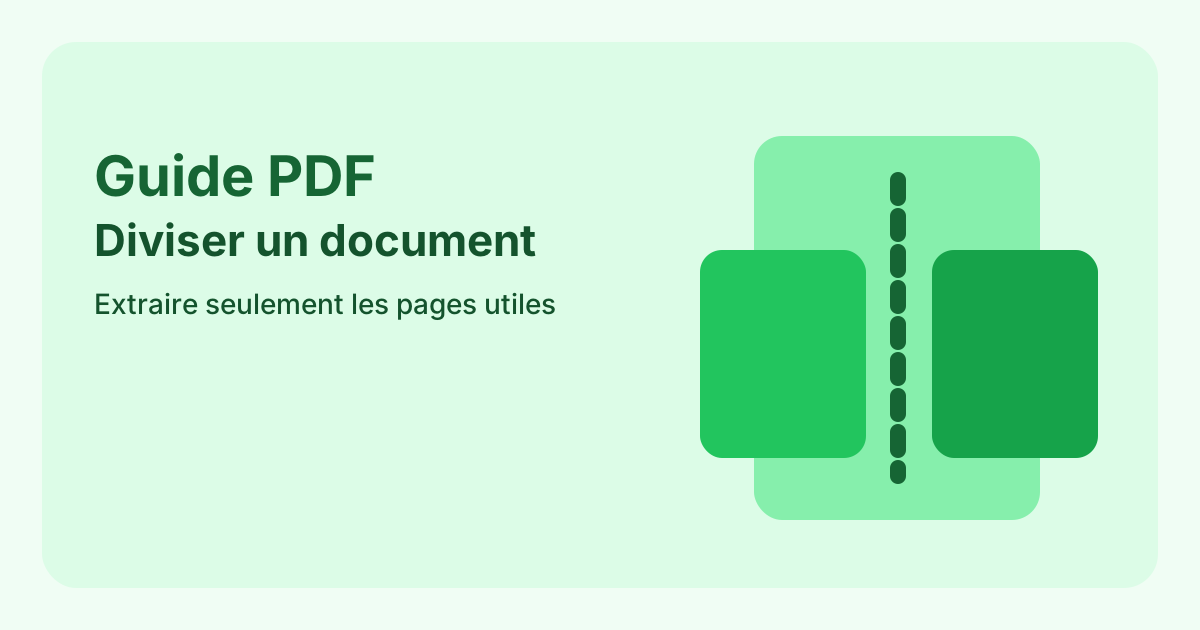
Splitting a PDF is useful when a full document slows down sharing, review or validation of the pages that really matter.
An external reader, an internal reviewer and an archive process do not all need the same output. A short extracted file is often better for validation or quick reading, while a full packet still makes sense for record keeping. The right choice depends on the job the file must do next.
Shorter files are generally easier to open, review and approve. When a person only needs one part of the source document, a focused extract reduces friction and limits unnecessary back and forth. It also makes the key pages stand out more clearly.
A useful extraction should produce files that are easy to understand later. Add a clear label, date or purpose to each output so the file remains usable after the first send. Otherwise one confusing large PDF simply becomes several smaller confusing PDFs.
If the meaning depends on full context, splitting can do more harm than good. Contracts, ordered appendices, reports with numbered references and legally linked packets often need to stay together. Splitting is only useful when the extracted version still makes sense on its own.
Once the file is split, review the first and last page of each output, the order, the page orientation and the filename. A partial document only has value if its boundaries are correct. One missing or extra page is enough to break the usefulness of the extracted file.
Yes, as long as the tool supports it. The key is to keep every output clearly defined and easy to identify.
Yes. Splitting creates new files and keeps the source intact.
Usually yes. The full version remains the reference, while the extracts are there for targeted sharing or faster review.
Extract selected pages or create one file per page from an existing document.