Practical guide
Convert a PDF into an image for preview or publishing
When turning PDF pages into images makes more sense than sharing the whole file.
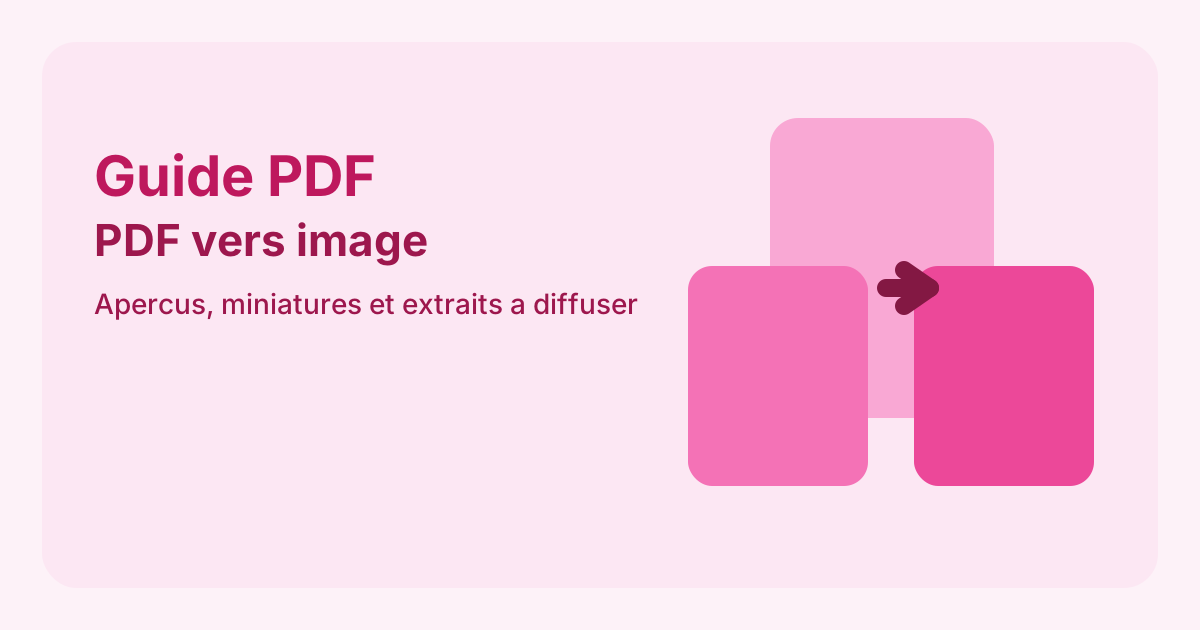
When turning PDF pages into images makes more sense than sharing the whole file.
An image often works better for previews, thumbnails and embedded content.
Select what you want to show instead of converting everything.
The full file still matters for archiving and full reading.
JPG is often lighter, while PNG may keep more detail depending on the content.
Yes, especially for previews or visual excerpts.
Export PDF pages as images that are easier to embed in websites, emails or presentations.